Make Every Resource Look Like Yours
Customize fonts, colors, and backgrounds for your activities, quizzes, and slides. Apply a theme from the gallery or build your own from scratch.
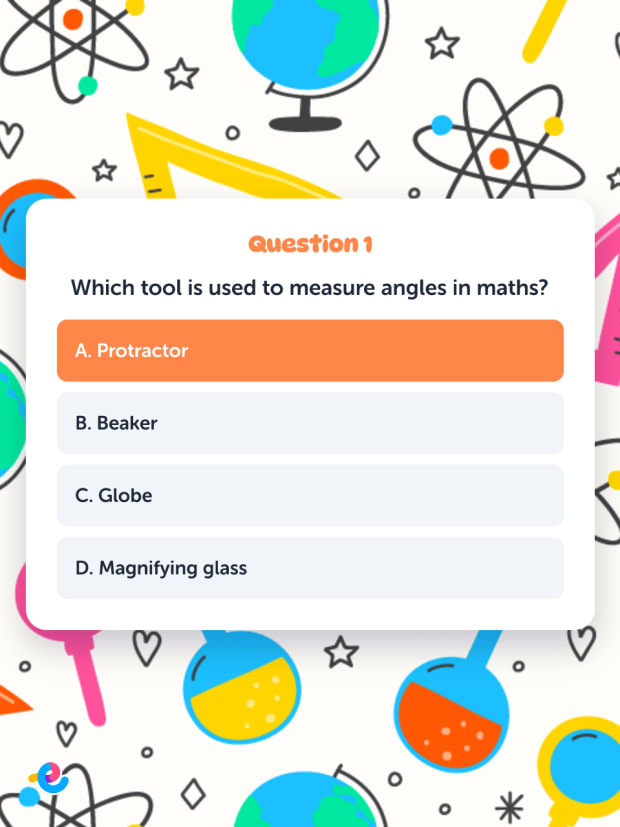

How it works
Three Steps to a Custom Theme
Pick a starting point, adjust the details, and save it for everything you create. No design skills needed.
- Pick a Theme or Start FreshBrowse the theme gallery and apply one with a single click. Or start from scratch and build your own look.
- Customize EverythingChoose a font, set your colors, add a background image. Preview your changes live across activities, quizzes, and slides.
- Save and ReuseSave your theme as a reusable template. Apply it to any resource with one click, so every activity matches your style.
Full creative control
Fonts, Colors, and Backgrounds in One Place
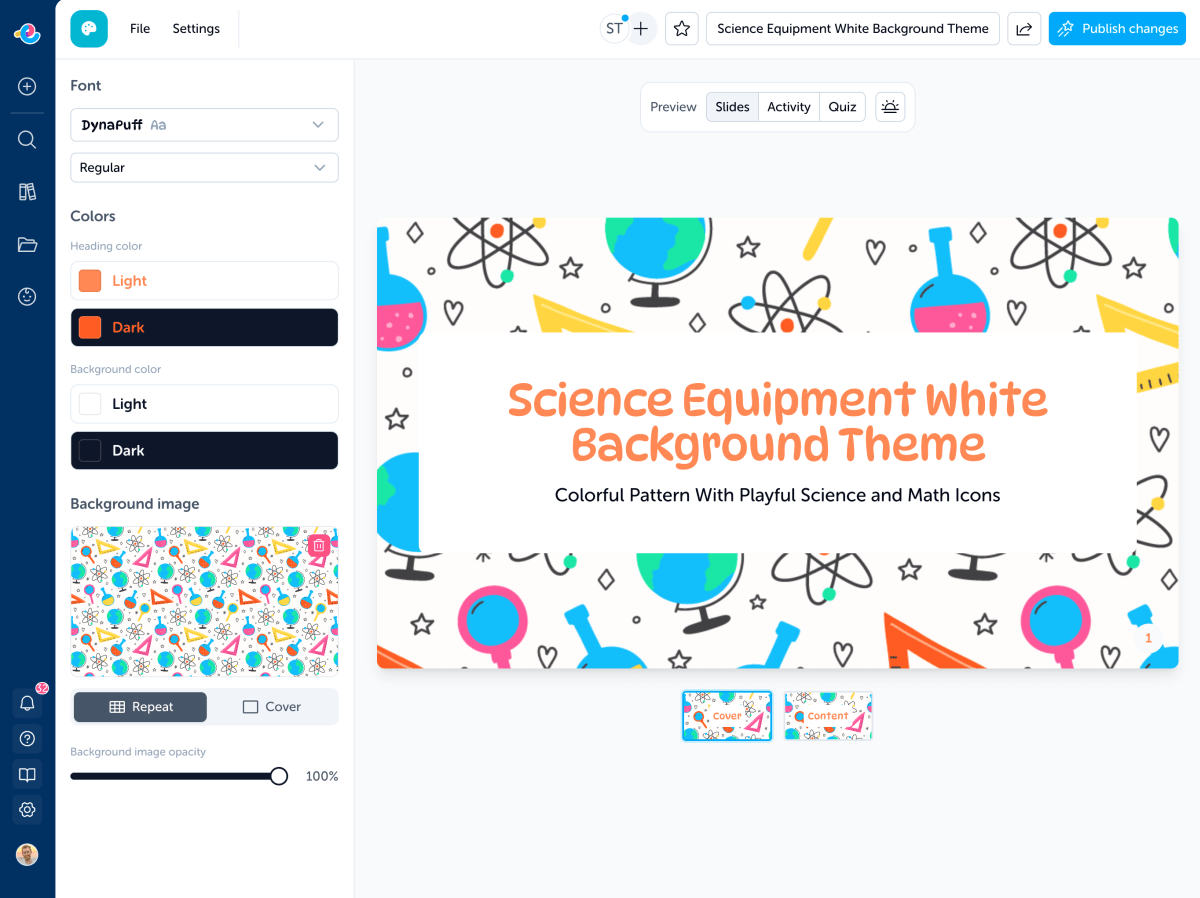
Everything is in one editor. Every change previews live so you can see exactly what your learners will see.
- Fonts for Every ClassroomOver 100 Google Fonts across six categories: clean sans-serifs, friendly rounded fonts, formal serifs, playful display fonts, and handwriting styles, including Australian school handwriting fonts.
- Full Color ControlSet heading colors and background colors for both light and dark mode. Your resources look great however your learners prefer to work.
- Background ImagesUpload your own image or search directly from the editor. Choose between tiled patterns and full-cover backgrounds, and adjust the opacity so text stays readable.
Preview while you edit
See Theme Changes Instantly
As you change fonts, colors, and backgrounds, your resource preview updates live so you can quickly fine-tune the look.
Consistent across everything
One Theme, Every Resource
Apply a single theme to activities, quizzes, and slides. Your classroom materials look polished and consistent without extra work. When you update a theme, every resource using it updates too.
Themes
Before and after
Bring Your Resources to Life with Content-Matched Themes
This farm-themed math activity gets a matching background, colors, and fonts to pull learners into the world of the resource. You can also apply your own classroom theme for a consistent look across everything.
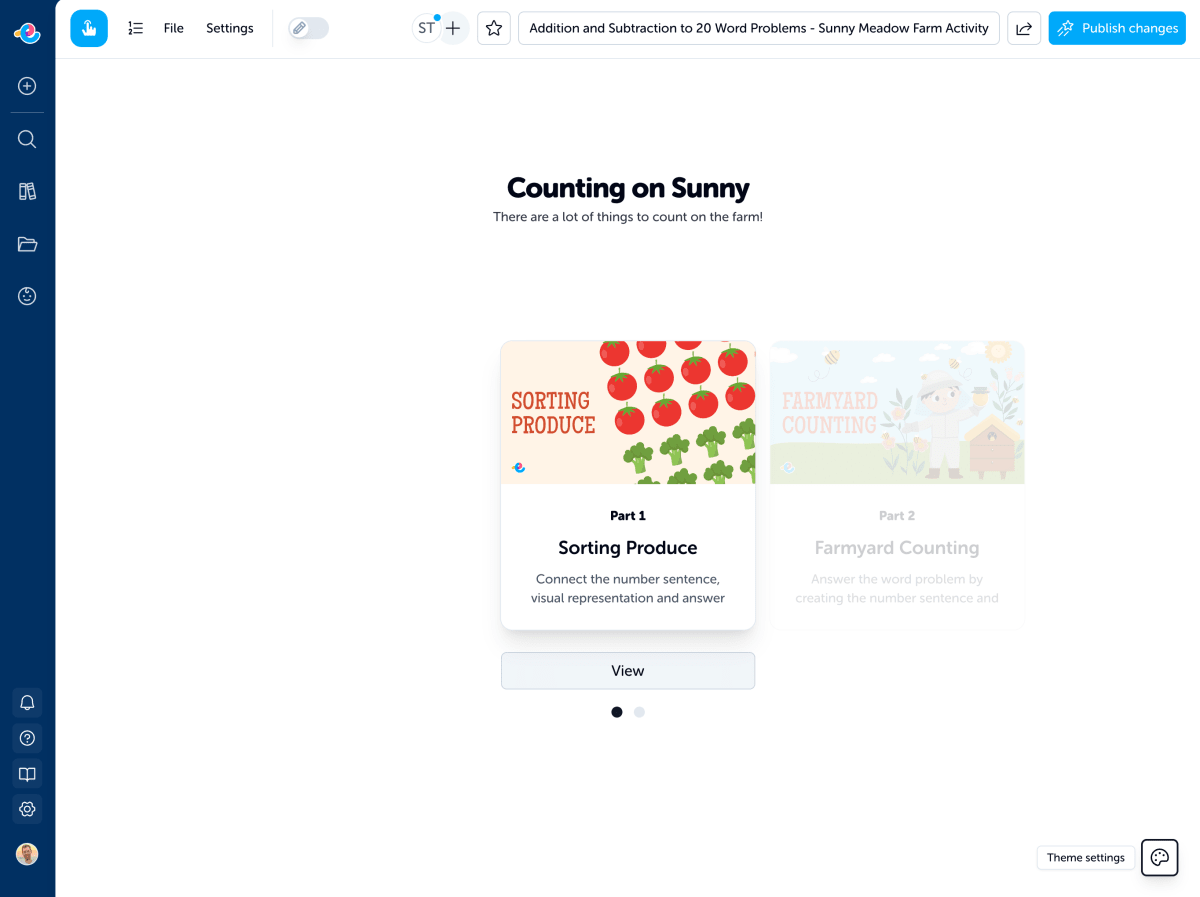
Before: Default styling
The same great content on a clean canvas, ready for you to customize.
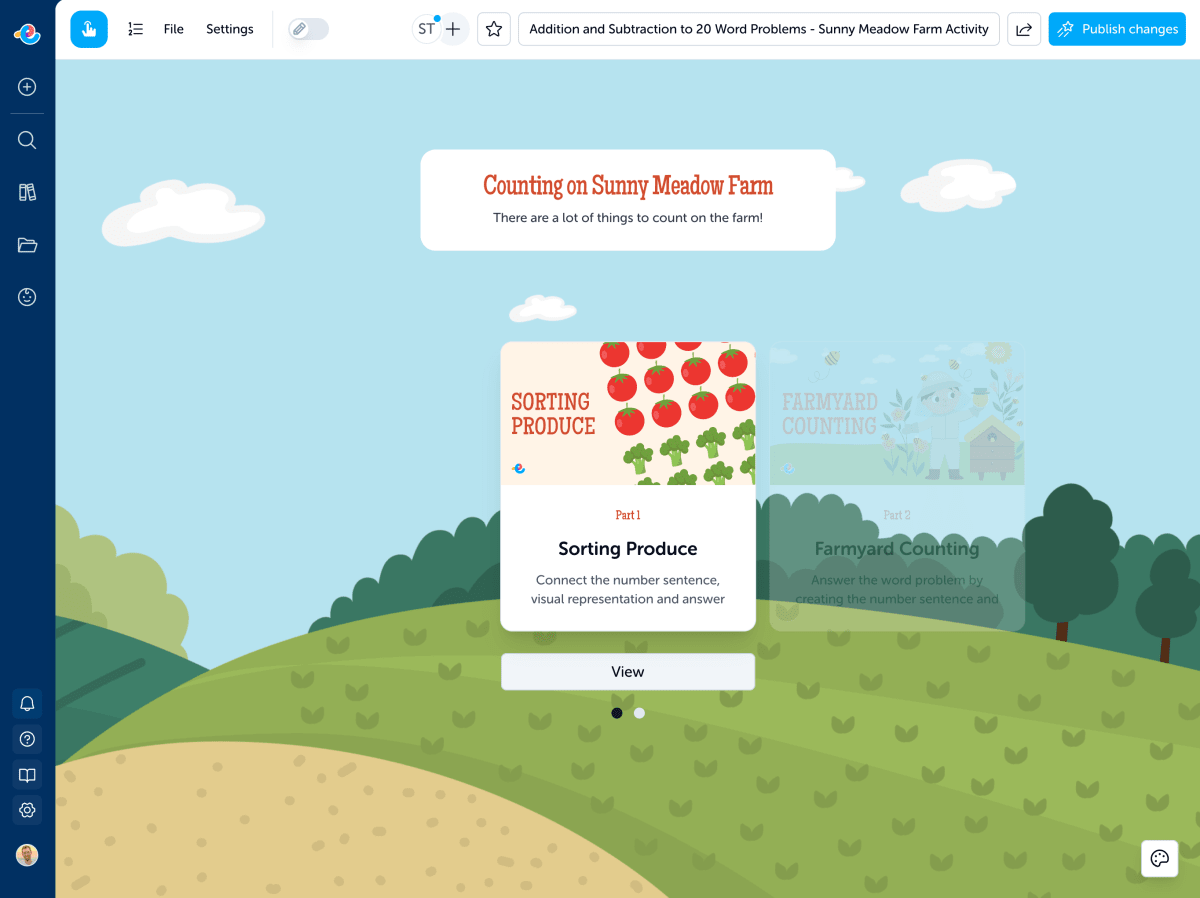
After: Themed to match the content
Rolling hills, farm fences, and warm colors bring the Sunny Meadow Farm activity to life.
Built for real schools
Works the Way Classrooms Do
Themes work across languages, devices, and learning environments. Set it once and teach with confidence.
- Works Across Resource TypesOne theme works on activities, quizzes, and slides. Set it once and every resource you create has a consistent look.
- Multilingual Font SupportLocale-aware font selection for Arabic, Japanese, Korean, Chinese (Simplified and Traditional), and more. Fonts automatically filter based on your resource language.
- Light and Dark ModeEvery theme supports both light and dark mode out of the box. Preview exactly how it will look for your learners before you publish.
Share and remix
Share Themes. Remix Themes.
Publish your theme for others to use, or remix a theme from the gallery. Change the font, swap the background, make it yours. Every theme on Edzo is built to be customized.
Frequently asked questions
Everything you need to know about Edzo's Theme Editor.
Create your first theme today
Sign up free and give your resources a look your learners will recognize. Pick a theme or build your own in minutes.