Build Custom Quizzes in Minutes
Create quizzes with five interactive question types: multiple choice, true or false, ordering, match up, and number input. Every answer is marked in real time. Every result lands in your dashboard.

How it works
Three Steps to a Custom Quiz
Start from scratch or remix from the library, add questions, then assign and track results in real time.
- Pick a Subject and LevelStart from scratch or remix a quiz from the library. Set the subject, year level, and curriculum tags so other teachers can find it too.
- Add QuestionsChoose from five question types and build your quiz question by question. Add a stimulus image or LaTeX support to any question.
- Assign and TrackShare the quiz with your class. Learners complete it on any device and results appear in your dashboard question by question, learner by learner.
Interactive question types
Five Focused Question Types
Each question type is auto-marked and gives learners instant feedback.
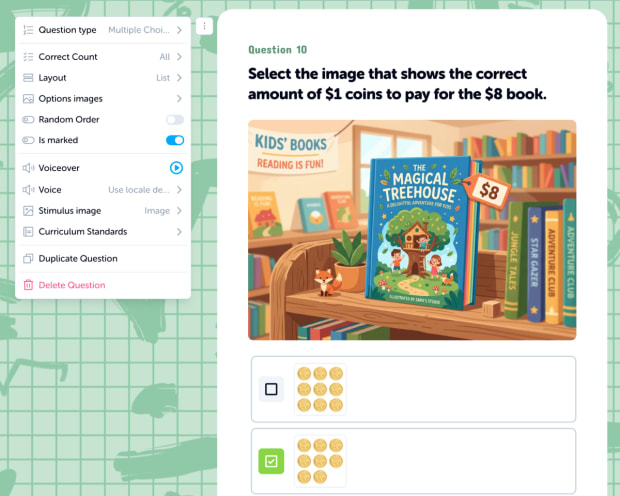
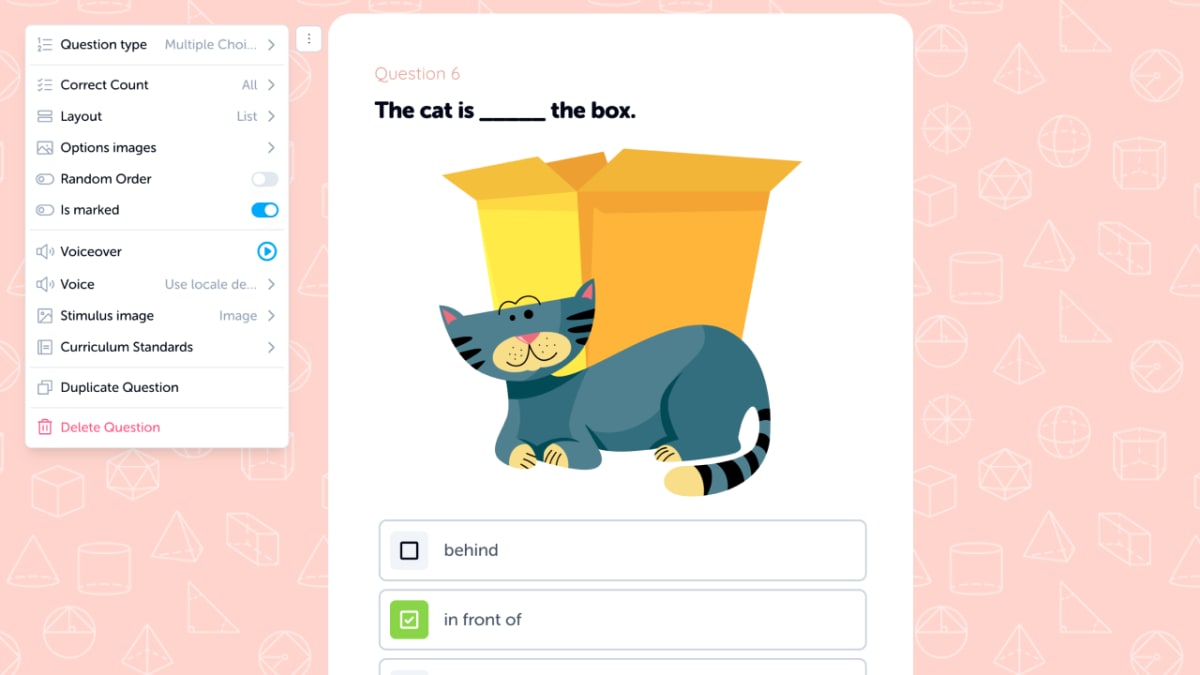
- Multiple ChoiceClassic question format with text or image choices. Supports single or multiple correct answers.
- True or FalseQuick fact-check questions that are simple, fast, and effective for formative assessment.
- OrderLearners drag items into the correct sequence. Great for timelines, process steps, and number ordering.
- Match UpConnect pairs across two columns. Useful for vocabulary, definitions, and matching concepts.
- NumberLearners type a numeric answer. Clean and direct for maths problems.
Trending Quizzes
Instant feedback, zero marking
Every Answer, Marked Instantly
Learners know immediately whether they got it right. You see which learners finished, which questions caused trouble, and where to focus next in your dashboard as responses come in.
Read-along voiceover
Every Word, Read Aloud
Learners can tap question text to hear it read aloud. Each word highlights as it is spoken, helping early readers, EAL/ELL learners, and anyone who benefits from hearing while reading.
Built for classrooms
Designed for How You Actually Teach
The Quiz Editor keeps assessment focused and fast while still supporting real classroom needs.
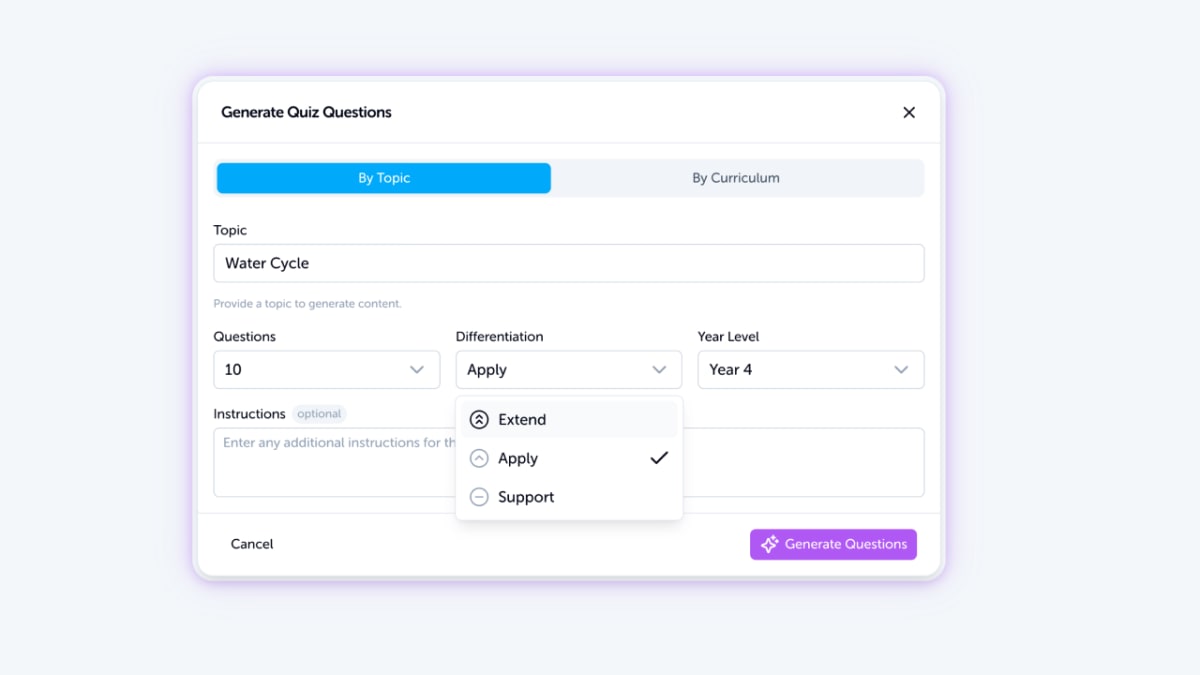
- Differentiation Built InEvery quiz supports support, apply, and extend levels. Assign the same quiz and let each learner work at the right challenge level.
- Curriculum-AlignedTag quizzes with curriculum standards from Australia, the United States, and the United Kingdom. Filter by standard when browsing the library.
- Shuffle and RandomizeEnable question shuffling so every learner gets questions in a different order. Reduce copying and keep assessment fair.


Add context to every question
Stimulus Images and Math Support
Add a stimulus image to any question for context: diagrams, charts, maps, and photos. Need maths notation? Full LaTeX support renders fractions, equations, and symbols beautifully on screen and in print.
Remix any quiz
Copy It. Change It. Make It Yours.
Every quiz on Edzo is remixable. Copy one from the library, swap questions, adjust level, and save your version with full ownership of what you create.

AI generation too
Short on Time? Generate a Quiz with AI
Need a quiz in two minutes? Describe the topic, year level, and question count and Quiz Generator creates a draft. Review it, tweak questions, and assign. You can always refine generated quizzes in Quiz Editor afterwards.
Need more question types?
Need Interactive Blocks? Use the Activity Editor.
Quiz Editor is built for fast, focused assessment with five core question types. For number lines, clocks, fractions, sorting, cloze passages, and 30+ interactive blocks, use Activity Editor for deeper exploration and practice.
Frequently asked questions
Everything teachers ask before building their first quiz.
Build your first quiz today
Sign up free and create a quiz in minutes. Auto-marked, instant feedback, and real-time results.