Finish tomorrow's lesson tonight.


Interactive by default
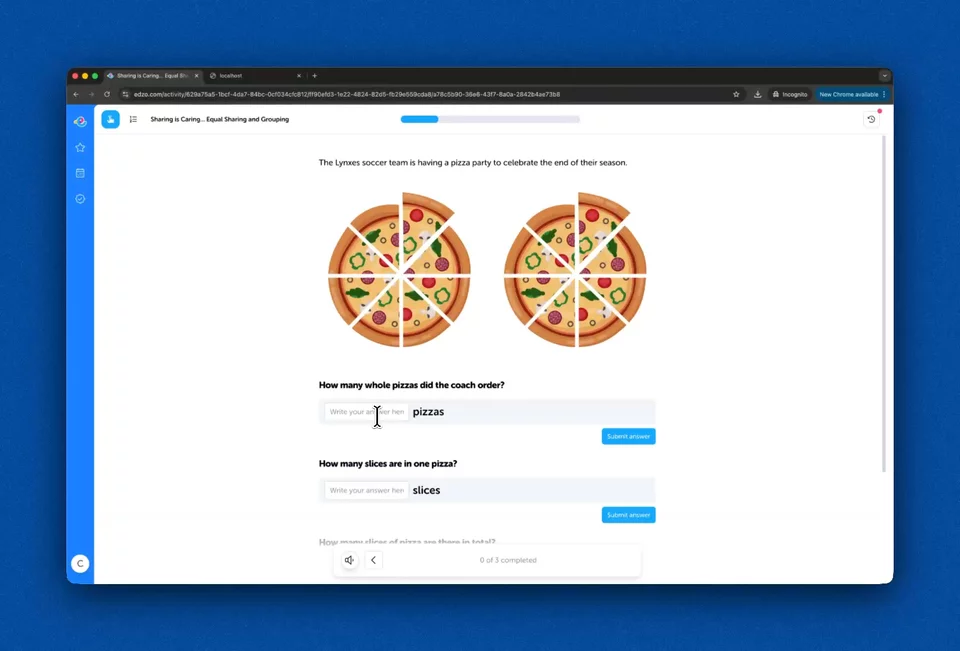
Every single resource on Edzo is interactive. Your students log in on their computer or iPad and complete work that you have assigned them. We have meticulously developed over 20 different interactive question types to keep learners engaged.
By the way, every resource is also editable.
Remix everything, create anything
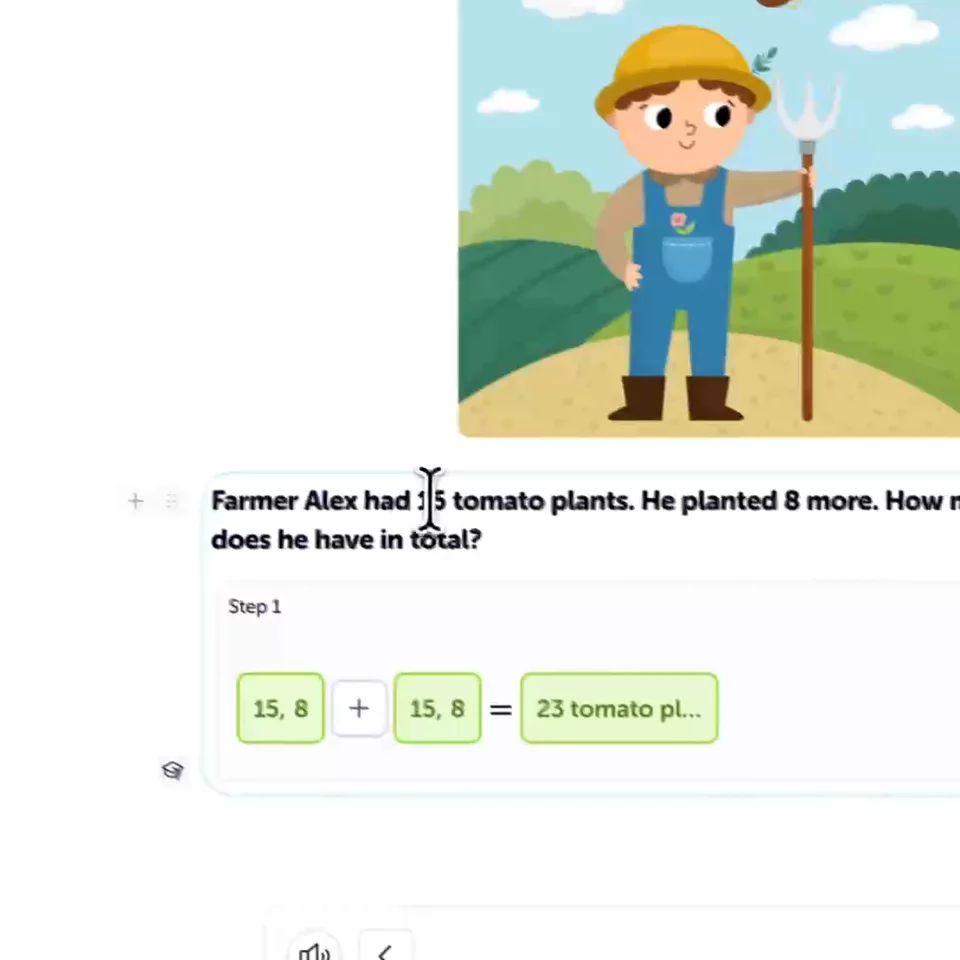
Edzo gives you complete freedom to edit every aspect of a teaching resource and make it your own.
From text to questions, images to themes, Edzo is a powerful tool that expands what's possible for you to create for your learners.
Using the Edzo editor, build multi-page activities, quick quizzes, beautiful themes and more.
Differentiation, interest-based learning, and localisation. At your fingertips.
Using AI
Generate a resource in just a few clicks with the help of AI.
Edzo supports the entire learning lifecycle
Design, remix or curate interactive learning resources tailored to your learners and goals.
In practice
Start from scratch, remix a ready-made resource, or pull from Edzo's library. Add interactive blocks like number lines, clocks, and drag-and-drop activities in minutes.
Edzo activities use 30+ interactive blocks that let learners drag, click, draw, and explore.
Clock
Drag the controls to change the time and explore analog and digital views together.
Number Frame
Tap squares to model counting and number relationships with ten-frame style visuals.
Match Up
Learners click one item on the left, then one on the right to connect a pair.
Angle
Move the slider to create different angles and reinforce geometry language.

Marking? Let Edzo handle that
Interactive questions mark themselves in real time, saving you hours each week.
Edzo then surfaces actionable next steps you can take into your classroom to actually assist your students.
Students receive instant feedback. You receive instant insights. Win-win.
| Date | Question | Response type | Result |
|---|---|---|---|
| just now | Match each fraction to its decimal equivalent. | Multiple Choice | 4/4 |
| just now | A rectangle with all equal sides is always a square. | True or False | 2/3 |
| just now | Find the perimeter of a rectangle with sides 7 cm and 5 cm. | Number | 0/2 |
| just now | Drag each 2D shape to its matching property. | Match Up | 3/3 |
Adaptive learning for each student
Edzo has differentiation built in.
Some questions and activities are designed to support students by helping them grasp a concept. Others reinforce and apply learned concepts. And students with a strong foundation get pushed further.
Edzo isn't one size fits all. It's learning that adapts to your students.
Homework that actually works
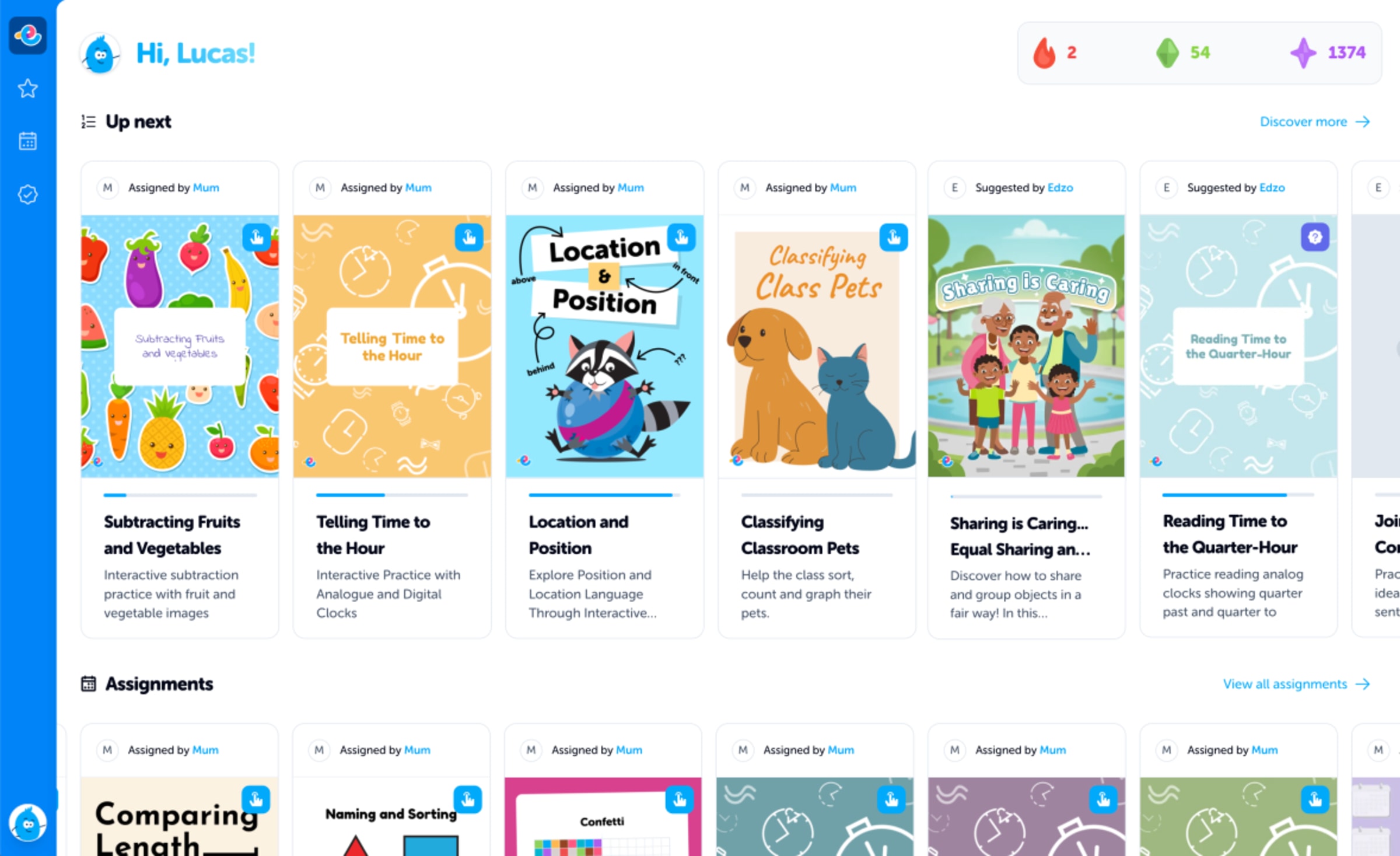
Easily assign interactive activities and quizzes to your students in a couple of clicks. Add a due date and watch the responses roll in, in real time. At a glance, see who needs support or who needs extending, giving you valuable insights instantly.
No more crumpled worksheets in the bottom of school bags.



On-screen and off-screen learning
We know screen time is a real conversation in schools and homes. That's why Edzo supports both interactive on-screen activities and offline learning, including printable PDFs and hands-on activity ideas.
A fractions quiz on the iPad, then making circles from playdough and cutting them into halves and quarters. The whole learning experience, not just the screen.

Resources lovingly crafted by teachers
Edzo is built for both learners and teachers, so it must satisfy the rigorous requirements of a classroom.
The activities on Edzo are hand-crafted to ensure they meet pedagogical standards. Upgrading to the Teacher Plan gives you even greater input into your students' learning, by opening up the entire library for you to assign specific resources to your students based on their progress, understanding and interests.
If a ready-made resource isn't quite right, remix it and make it your own!
Trending resources
Remix and share with your team
Copy a resource, change the questions, and assign it to your class.
Co-create in the Edzo editor with a colleague in real time, then publish and assign to your learners.
Get creative, feel supported, and use what other teachers have already made.